THE LEARNING COLLECTION8 guides

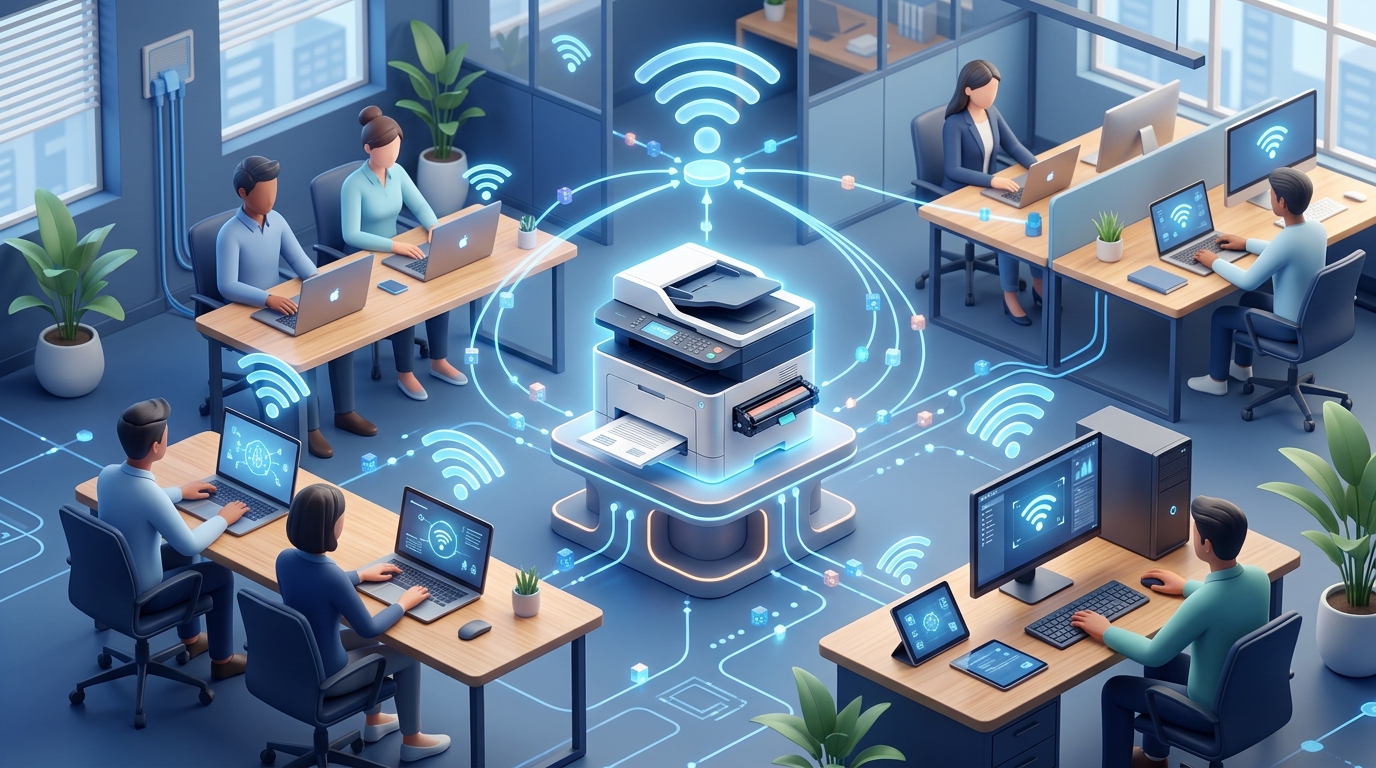
Connectivity5 min read
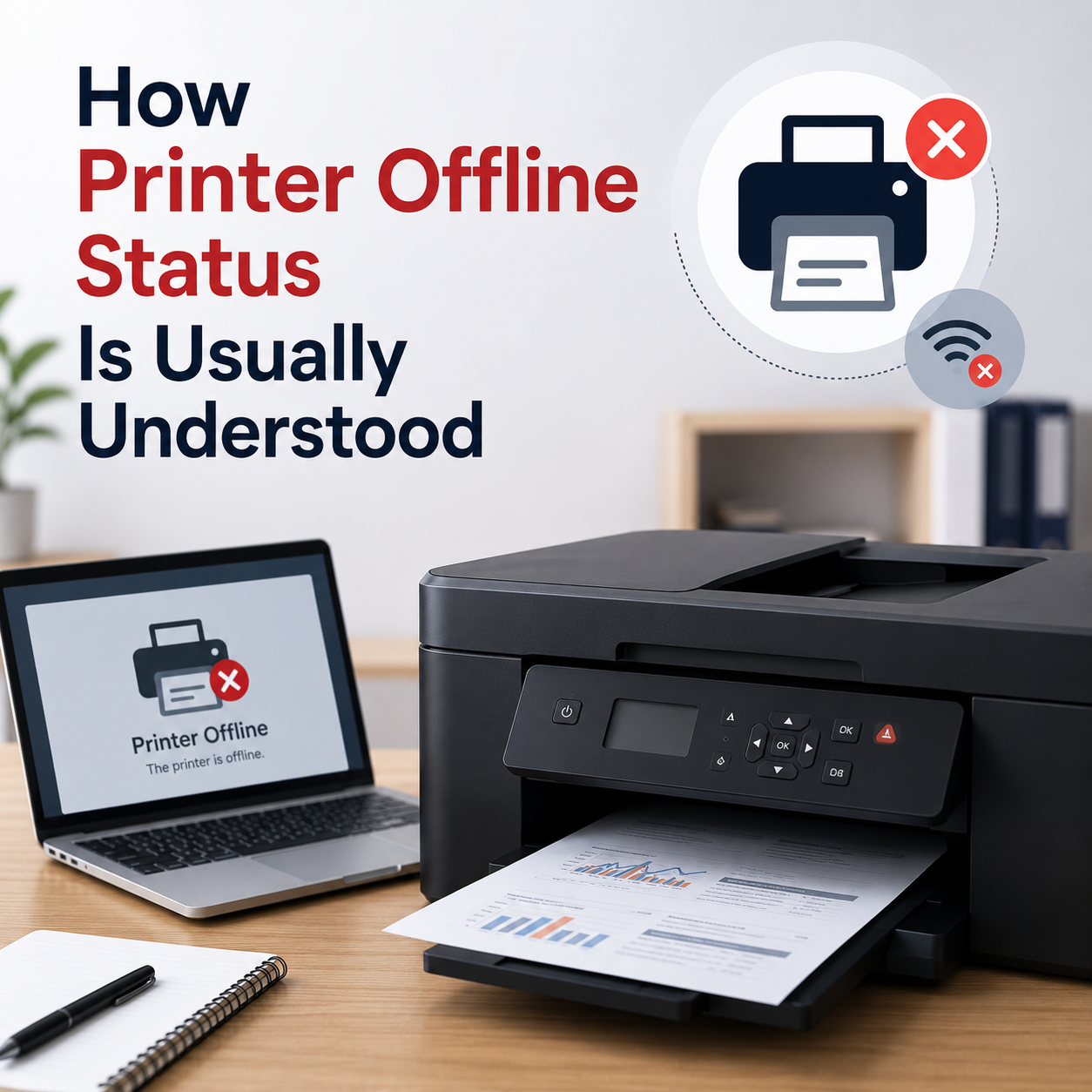
Understand why printers may show an offline status, how wireless connections work, and which network details are important.
IN THIS GUIDE
- Printer offline status explained
- Wi-Fi and IP connection basics
- Default printer settings
Read guide

Windows Service4 min read
Learn how print jobs move through a queue, what the Windows Print Spooler does, and why printing requests may remain pending.
IN THIS GUIDE
- Print queue fundamentals
- Windows spooler overview
- Pending print job behavior
Read guide
Drivers & Setup8 min read
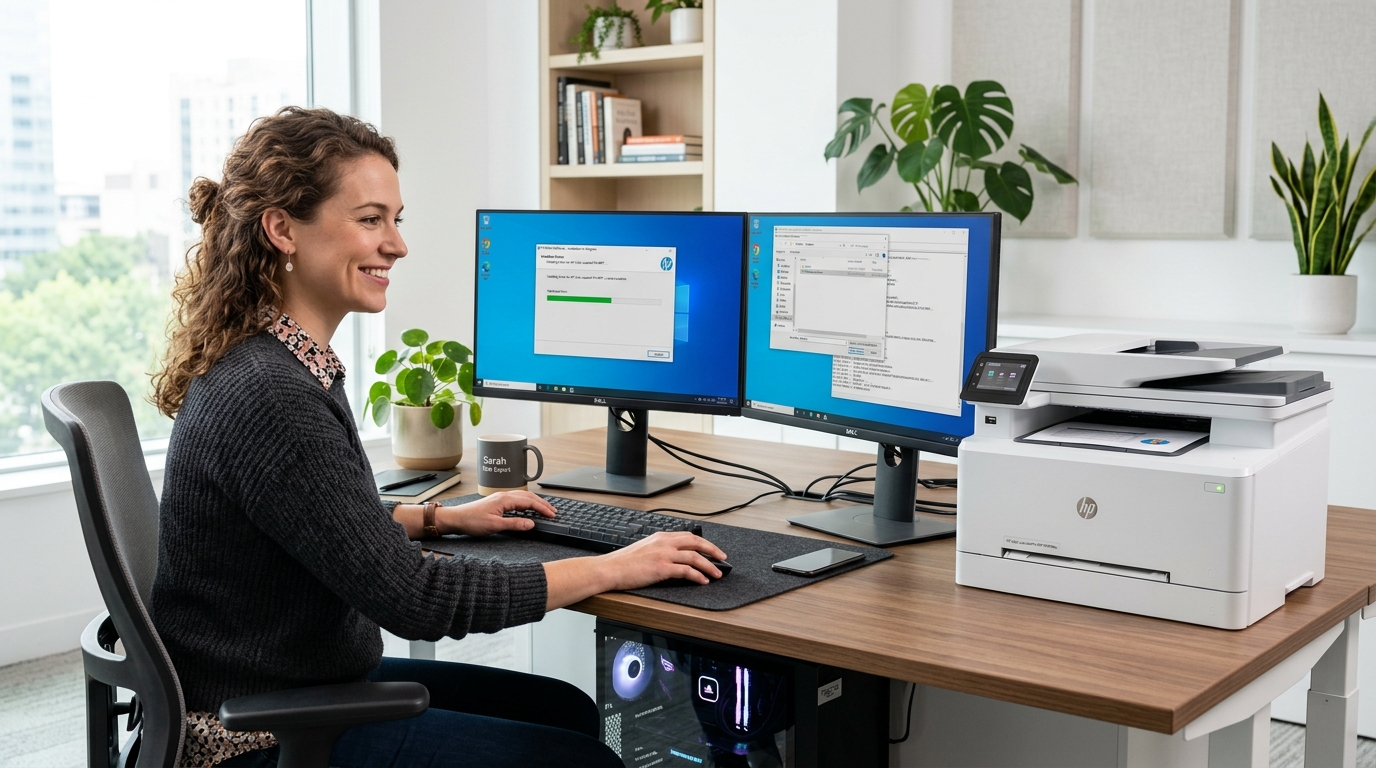
Understand how printer drivers, INF files and virtual USB ports relate to operating-system and printer communication.
IN THIS GUIDE
- Printer driver fundamentals
- INF file concepts
- USB port communication
Read guide

Network & LAN6 min read
Learn the basics of wireless printer connectivity, local routers, IP addresses and sharing across home computers.
IN THIS GUIDE
- Wireless printing concepts
- IP address basics
- Local network sharing
Read guide

Print Quality5 min read
Explore printhead behavior, cartridge components and common reasons for blank or incomplete printed pages.
IN THIS GUIDE
- Printhead fundamentals
- Cartridge components
- Print alignment concepts
Read guide
Reset & NVRAM4 min read
Understand factory defaults, printer memory and the effects of common network-configuration reset options.
IN THIS GUIDE
- Factory default concepts
- Printer memory basics
- Network reset overview
Read guide

System Diagnostics7 min read
Understand Device Manager symbols, Code 28 notifications and the role of hardware identification in Windows.
IN THIS GUIDE
- Device Manager indicators
- Code 28 explanation
- Hardware ID concepts
Read guide

USB & Ports5 min read
Learn how USB printer connections, host controllers and virtual printer ports support device communication.
IN THIS GUIDE
- USB connection fundamentals
- Virtual printing ports
- Cable and port recognition
Read guide